RPG MZ Plugin: Blinking System
A downloadable plugin
✦ Blinking system ✦

Add a touch of life to your game by making your characters blink instead of looking like statues when they're idle!
Blinking System is a lightweight plugin for RPG Maker MZ that brings characters to life by adding natural blinking animations.
A subtle detail but one that makes characters feel present, alive, and sometimes even unsettling.
Perfect for visual novels, story-driven games, psychological horror, or any project where atmosphere matters.

🔎Features:
- Adds automatic blinking animations to characters.
- Blink interval between minimum and maximum seconds to keep the behavior natural.
- Can be toggled on or off via plugin commands.
- Works seamlessly with character sprites.
- Designed to be lightweight and non-intrusive.
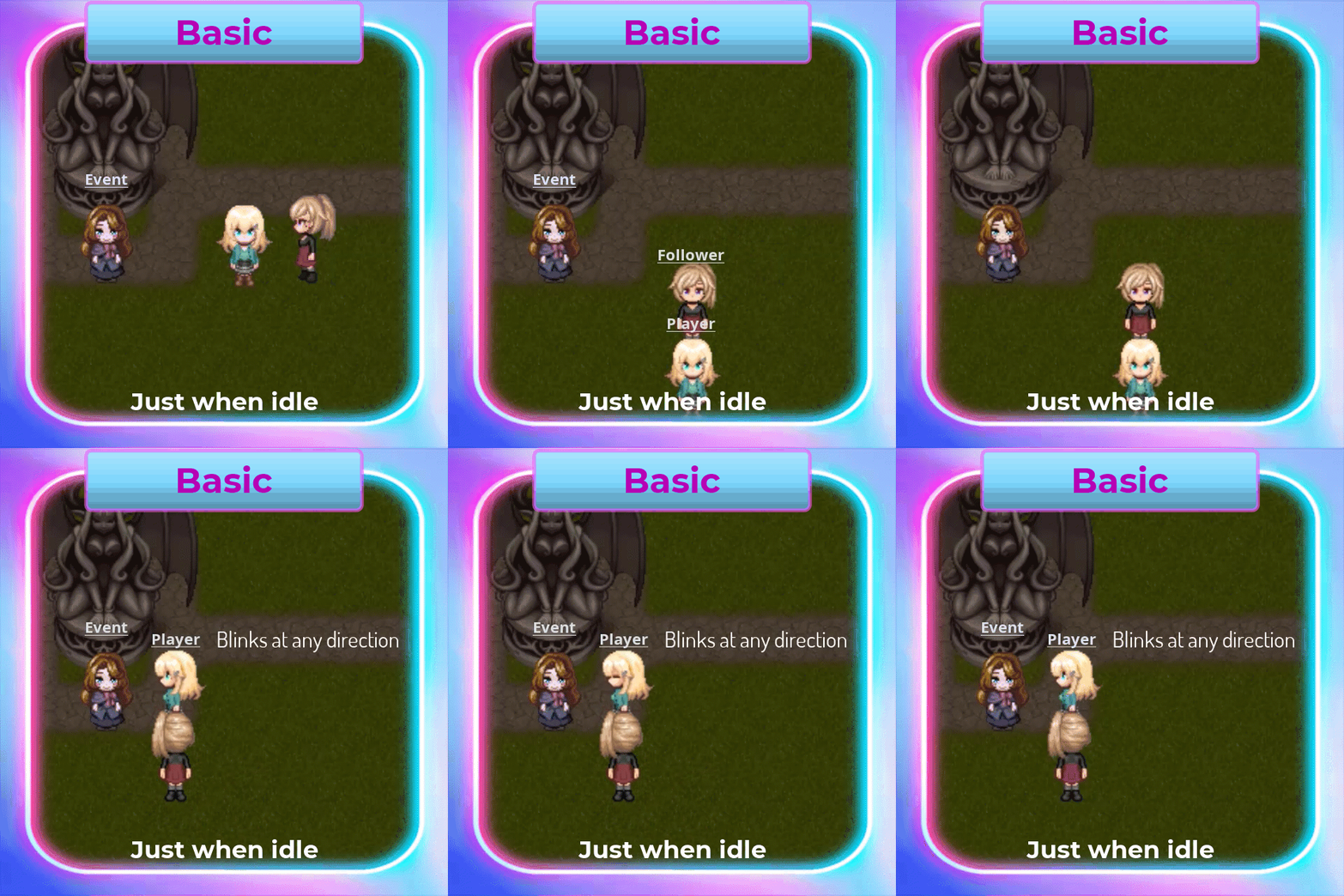
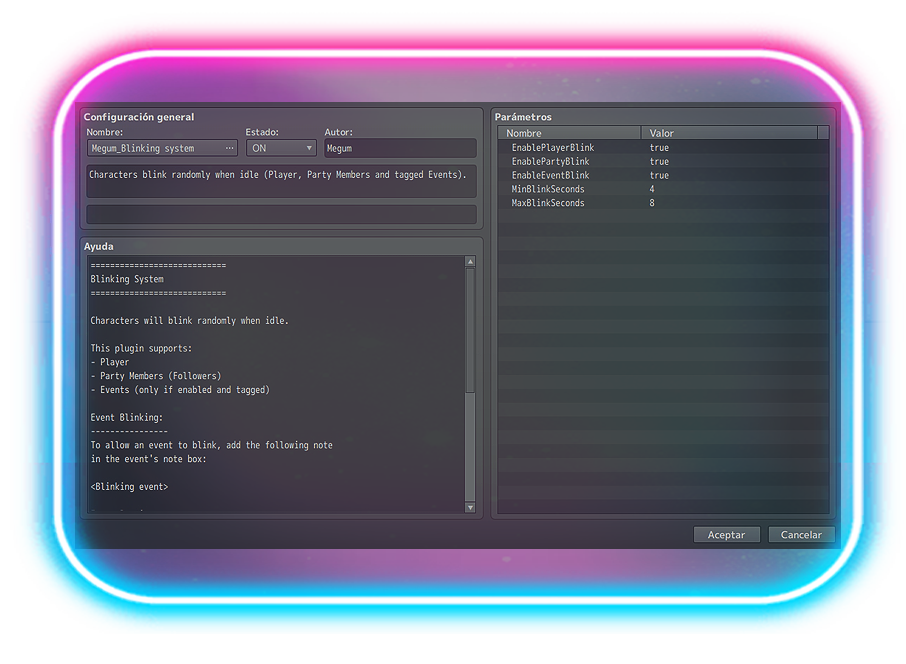
- Makes the player, followers (party members) and events blink.
- Limitations (Basic):
- ❌ No blinking while moving
- ❌ No advanced configuration per character
- 🔒 For non-commercial use only
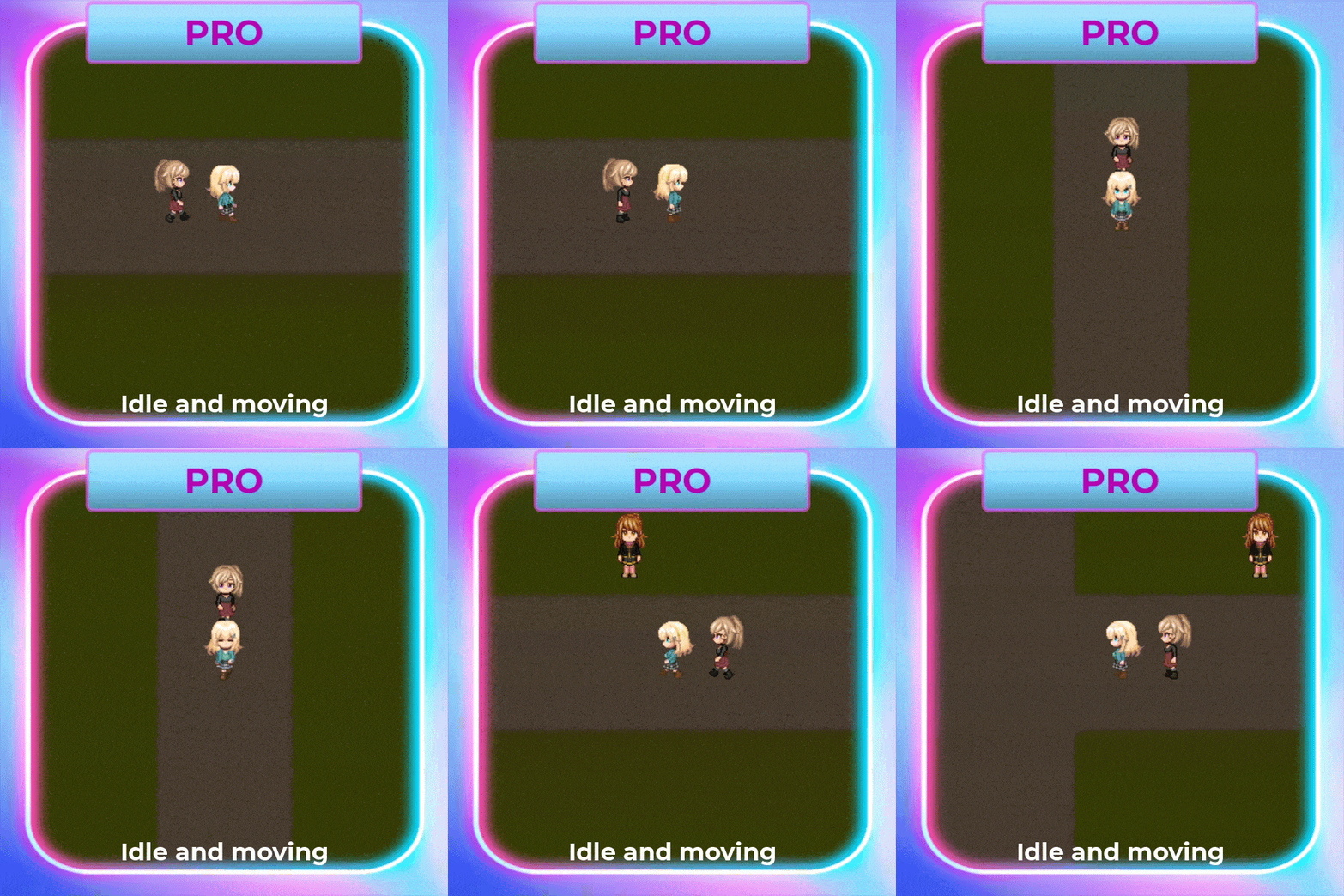
- Additional Features (PRO):
- ✅ Player blinks while idle AND while moving
- ✅ Party Members blink while idle AND while moving
- ✅ Configurable random blink interval (min / max)
- 🔓 For commercial and non-commercial use!
- Compatible with VisuMZ Core Engine.
✦ Why blinking matters
Blinking is one of those tiny details players don’t consciously notice, but when it’s missing, characters feel static, artificial, and lifeless.
With Blinking System:
-
Characters feel more human
-
Scenes gain subtle movement
-
Tension-heavy moments become more uncomfortable (in a good way)
It’s a small effect with a surprisingly big impact.
♟️ How it works
Once enabled, characters will blink automatically at natural intervals.
Blinking can be:
-
Enabled globally
-
Enabled or disabled per event
-
Controlled dynamically during gameplay
This allows precise control over when characters should feel calm, nervous… or disturbingly still.
✦ Image Requirements:
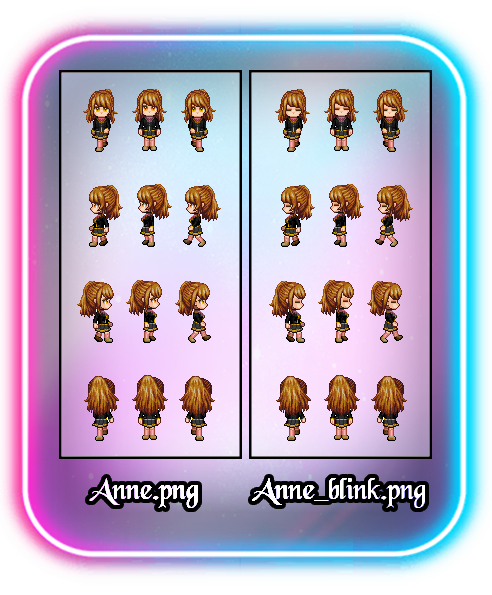
- Each character used must have a blinking version of its sprite with the suffix "_blink". For example:
- Actor.png ➡︎ Actor_blink.png
- If the blink image is missing, the game will NOT crash.
A warning will be shown in the console instead.
✦ Event Blinking:
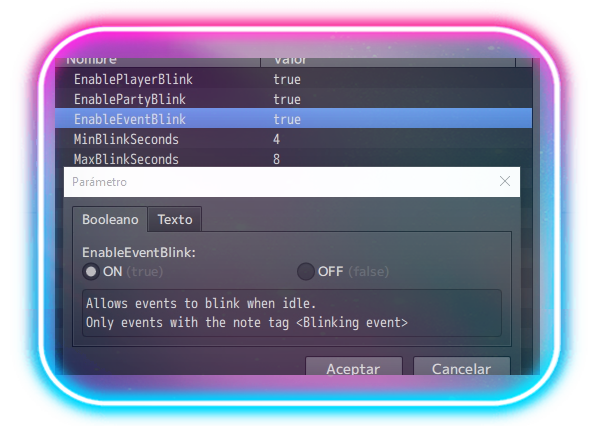
- To allow an event to blink, first you must activate the blinking events at the plugin's settings. Then, to specify wich event is going to blink, add the following note in the event's note box:
- <Blinking event>
📑 Plugin Commands
-
Enable blinking
-
Disable blinking
These commands allow you to control blinking behavior during scenes, cutscenes, or special moments.
✦ Recommended Uses ✦
-
Visual novels
-
Psychological horror games
-
Story-heavy RPGs
-
Cutscenes and dialogue-focused scenes
✦ Notes ✦
-
Designed to be performance-friendly
-
Works with standard character sprites
-
Decorative or parallel events are fully supported
✦ FUTURE UPDATES ✦
Planned future updates for the PRO version may include:
Buying the PRO version grants access to all future updates.
- Advanced blink variations
- Rare double-blink behavior
- Expanded NPC blinking behavior
💜¡THANK YOU!💜
Purchase
In order to download this plugin you must purchase it at or above the minimum price of $4 USD. You will get access to the following files:
Download demo
Development log
- 🛠️ Blinking system Plugin – Version 4.1 UpdateFeb 03, 2026
Leave a comment
Log in with itch.io to leave a comment.